


Every name, every quarter
The same assembly for each company in the book, all inside results week.
Needl.ai writes the quarter's coverage note around what moved since last quarter, from the results release, call transcript, deck and any broker notes you add, with a citation on every statement, and gives a rating or target price only when a broker note states one.
The release, the call, the deck and the brokers' reactions land within days of each other. An analyst with a book of names has to turn each set into a note on what changed, and most of that work is finding numbers and putting them beside last quarter's.
The same assembly for each company in the book, all inside results week.
Figures copied from four documents into last quarter's note, one by one.
A rating or target price slips into a note even when no broker research was read.
The analyst keeps the view. Needl.ai assembles what the quarter's documents establish, in the order an investor reads it.
Each section opens with the movement against the prior and year-ago quarter, naming both periods.
Every sentence points to the document it came from, so a doubted number is checked in one step.
Rating, target price and market data appear only when a broker note about this company is supplied.
Edit a note into your house format and save it as the template for next quarter.
How one company's quarter moves through Needl.ai, from the documents that land to the note the desk sends.
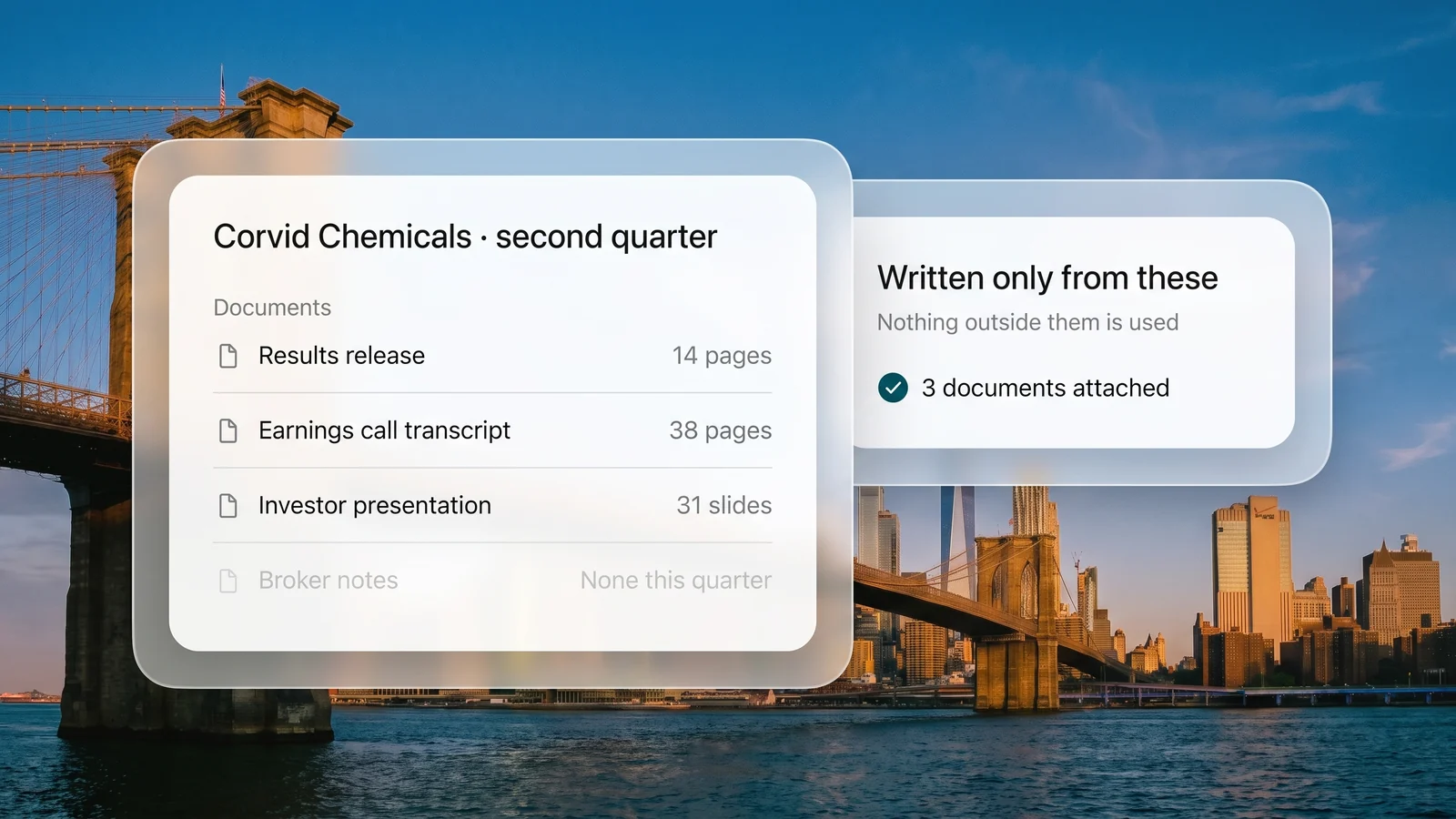
Upload the results release, the call transcript and the investor presentation, plus any broker notes. The note is written only from the documents you add.
You getOne set of sources behind the note.
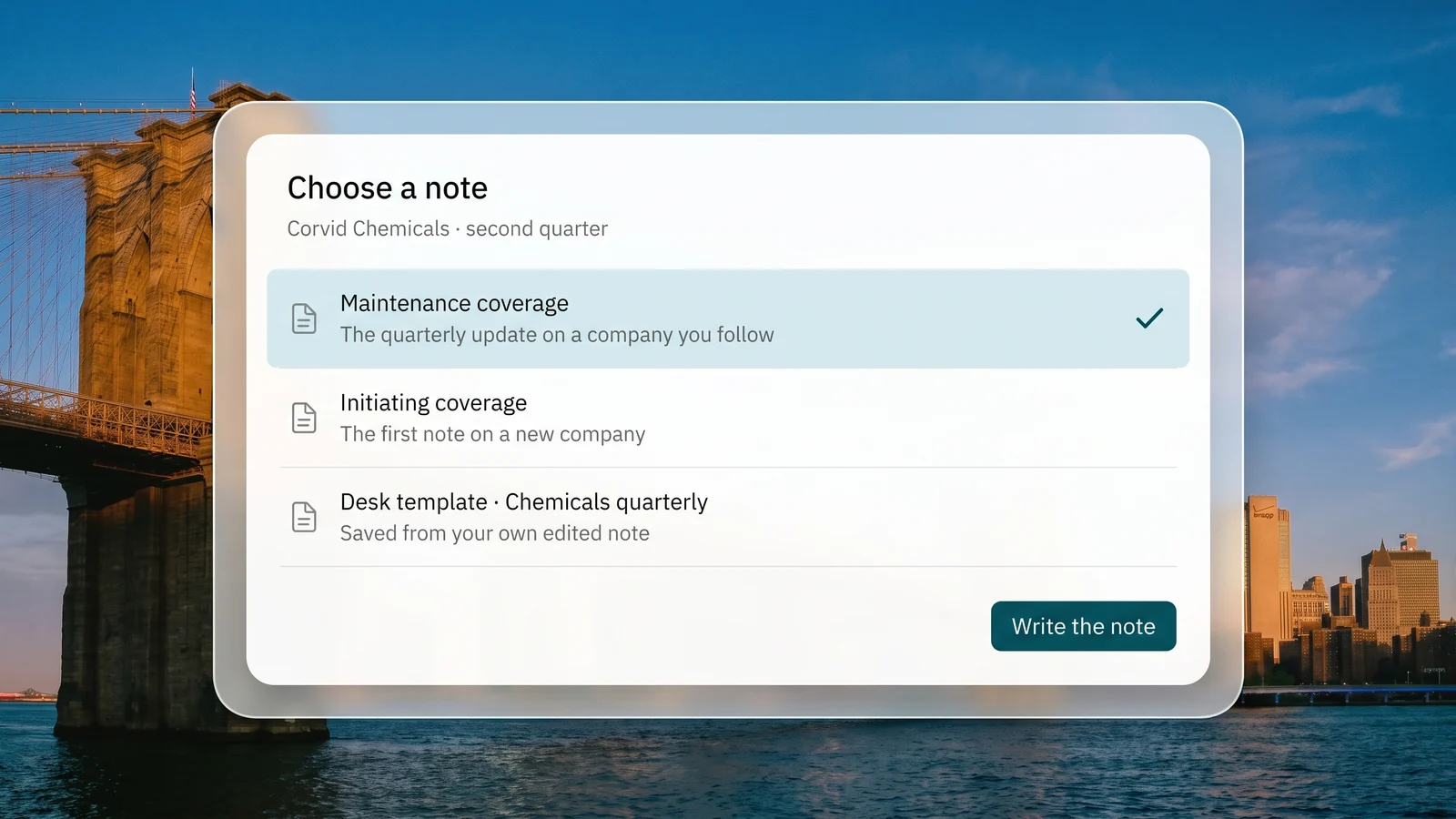
Maintenance coverage for a company you already follow, initiating coverage for a new one, or a template your desk saved from its own notes.
You getThe structure your readers expect.
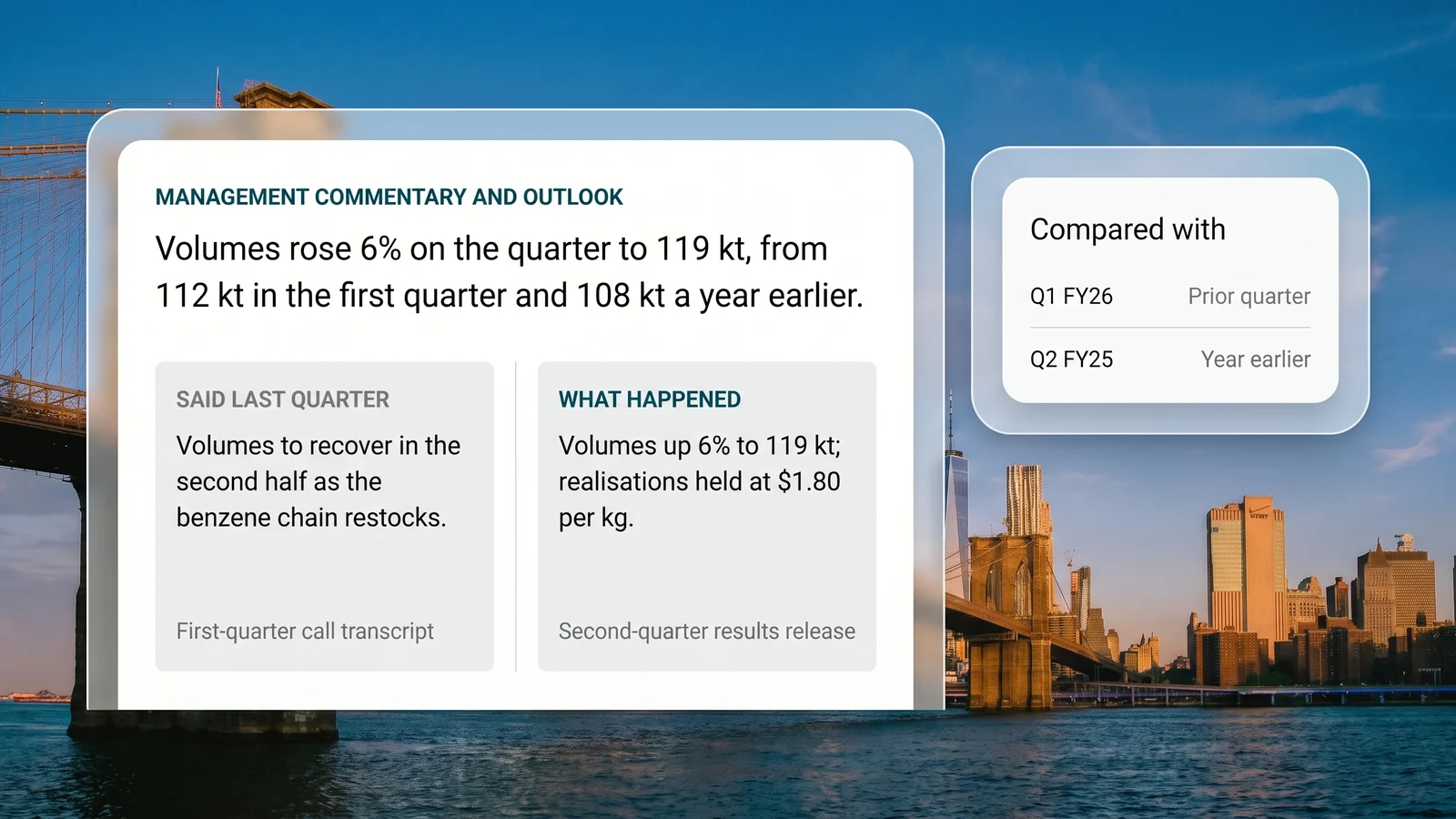
Each section leads with the movement against the prior and year-ago quarter and names both periods. Where management said something last quarter, the note sets it beside what happened.
You getThe quarter's story, not a filing summary.
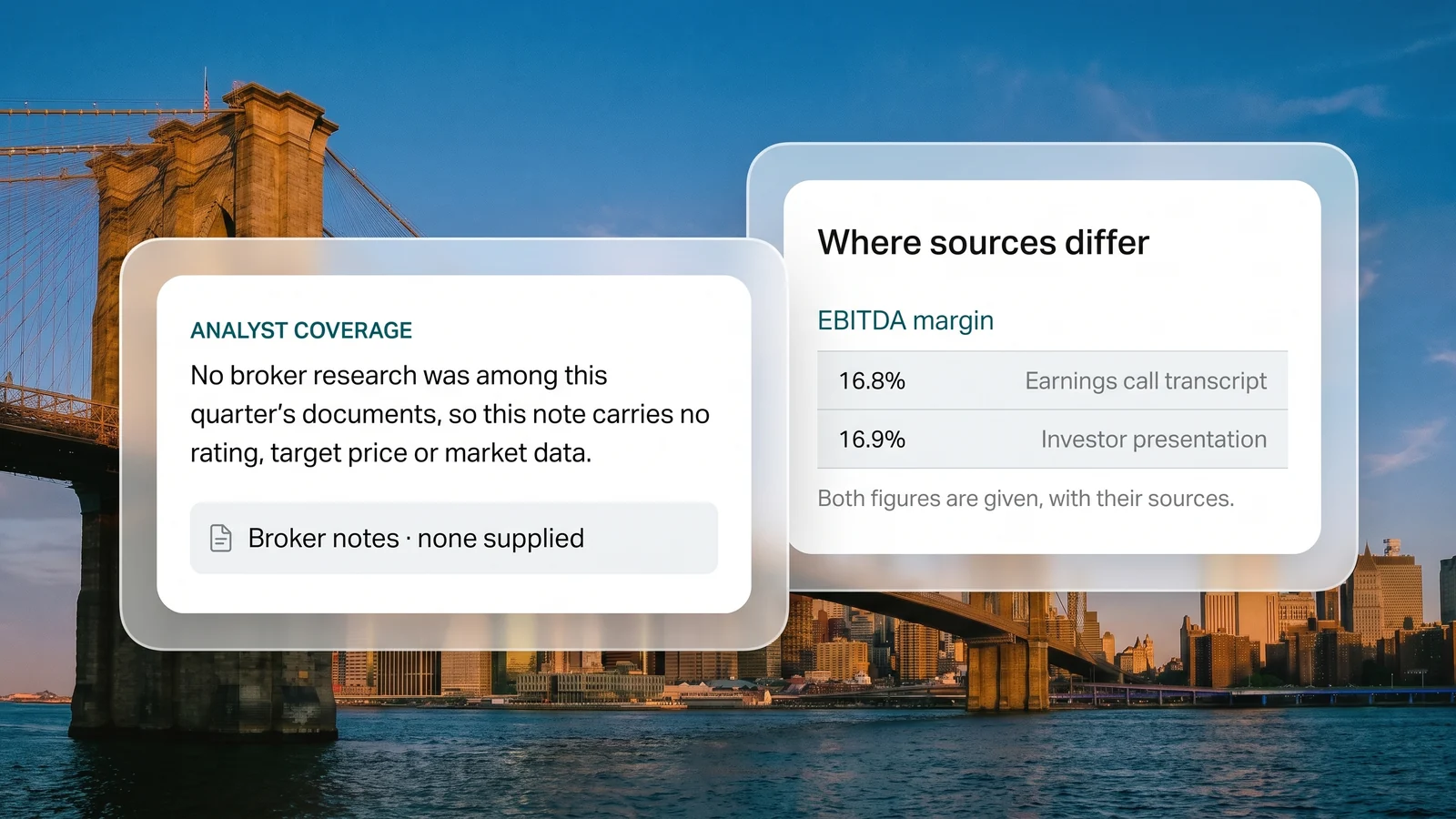
Rating, target price and market data appear only when broker research about this company is supplied. Valuation is reported as a source states it, never computed. Where sources disagree, both figures are given with their sources.
You getNo view the documents did not give.
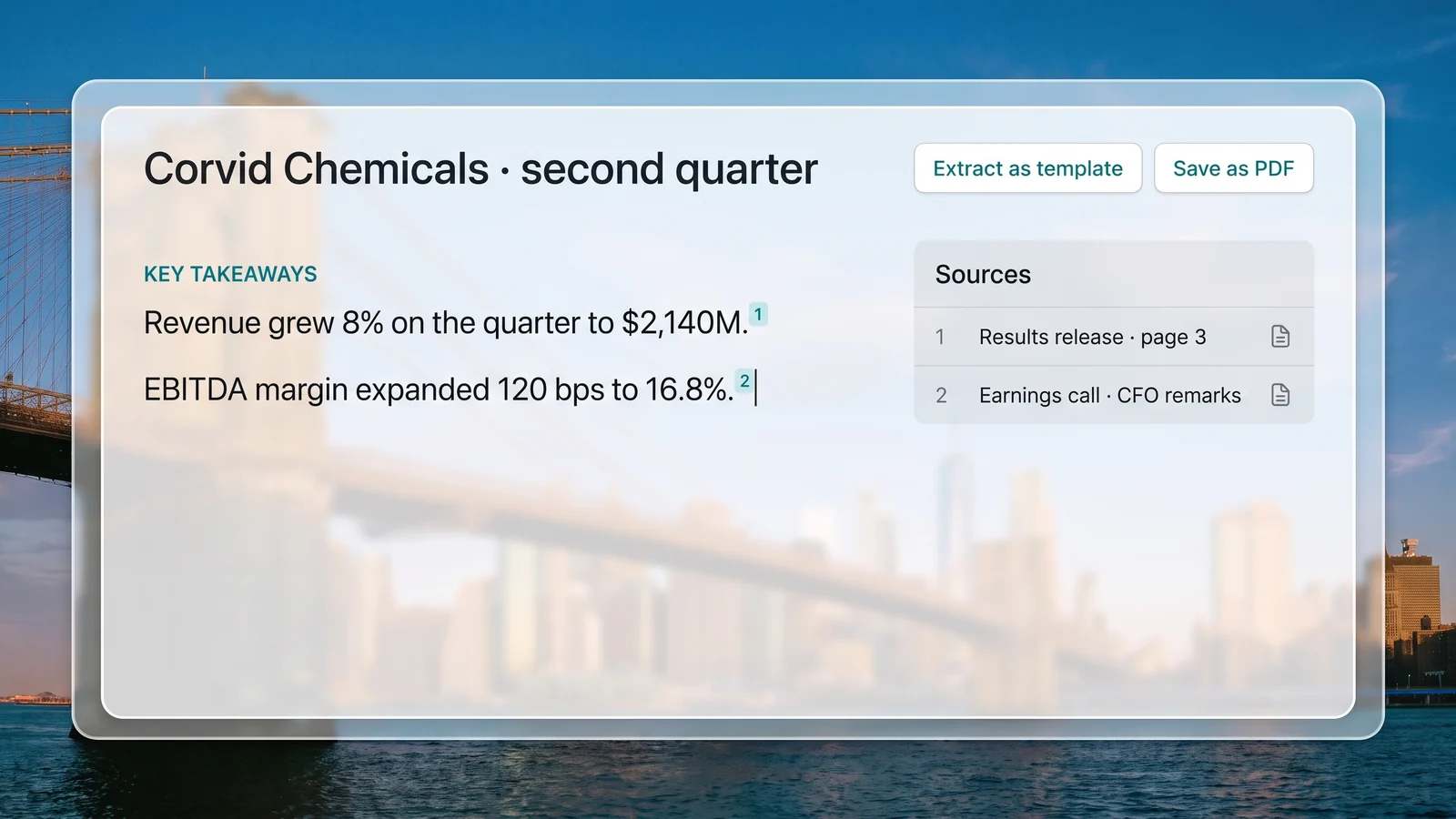
Read the note with its citations, edit it in the report view and save it as a PDF. Extract the edited note as a template, and next quarter starts from that shape.
You getNext quarter starts from this one.
Ten sections, from the quarter snapshot to the coverage summary, each built from the quarter's own documents.
Each sentence carries a numbered reference to the document behind it.
Volumes, realisations, utilisation, order book or AUM, whichever the company reports for its sector.
The questions analysts raised on the call and how management answered them.
Ratings, target prices and consensus from the broker notes you add, attributed to each firm.
What management said earlier is set beside what the quarter actually shows.
Where the documents are silent, the section says so in one line instead of padding.
Each figure is stated in one section and referred to elsewhere, so it reads the same throughout.
A first note on a new name: business, industry, history, segments, guidance, reported valuation and risks.
Save any edited note as a template and share it across your organisation.
“Reports that used to take a week now turn around in a couple of days, without losing the depth our investment committee expects.”
Needl.ai can be deployed in your own AWS or Azure account, in your region, and every note is written only from the documents your team adds.
 AICPA SOC 2
 ISO 27001 certified
 ISO 42001 in progress
 GDPR compliant
 CASA assessed
What research desks ask before drafting their notes with Needl.ai.
Only when a broker note among your documents states one, and only for this company. Without broker research, the note carries no rating, target price or market data anywhere.
No. Multiples, targets and forecasts are reported where a source states them, attributed to whoever said it. The note never computes a target price or makes a buy, sell or hold call of its own.
The quarter's results release, call transcript and investor presentation, plus broker notes if you have them. Upload them and choose the note you want.
Yes. Edit a generated note into your desk's shape and extract it as a template, and the next note starts from that structure. Templates can be shared across your organisation.
The section says so in one line, naming what the quarter's documents do not cover. It is never padded to fill the space.
In your own AWS or Azure account, in your region, or in Needl.ai's cloud to start.
Bring one company's quarter, the release, the call and the deck, and see the note written from your own documents.